
Free Sales Receipt Maker
Create professional, fully customized sales receipts in minutes with our powerful online tool. Whether you’re a small business owner, a freelancer, or a service provider, this sales receipt generator is the perfect solution for creating polished, itemized proof of purchase documents.
Add your logo, list products or services, automatically calculate totals with discounts and taxes, and download a print-ready PDF all for free and with no watermarks.
What is a Sales Receipt?
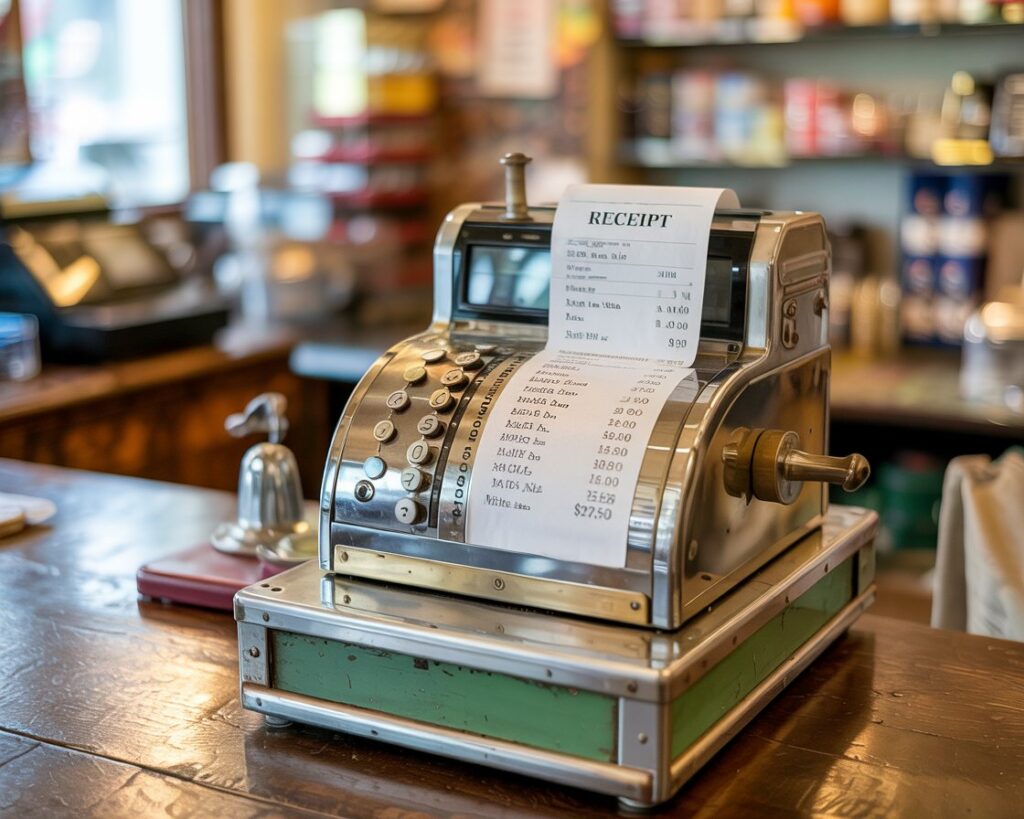
A sales receipt is an official document that serves as proof of a transaction between a buyer and a seller. It is provided to the customer after they have paid for goods or services.
A sales receipt is crucial for both parties. For the seller, it’s a vital part of bookkeeping and sales tracking. For the customer, it’s their proof of purchase, necessary for returns, warranties, or claiming expenses.

How to Use
Online Sales Receipt Maker
Our tool is designed to be fast and intuitive. The live preview on the right updates with every change you make.
01: Brand Your Receipt
In the “Your Business Details” panel, upload your logo and enter your company name and contact information.
02: Enter Customer & Receipt Details
Fill in your customer’s name and address, along with a unique Receipt # and the date of the sale.
03: Add Line Items
Click the “+ Add Item” button to create an itemized list of all products or services. The Line Total for each item is calculated automatically.
04: Apply Totals, Discounts, & Taxes
Enter any discounts, a tax rate (%), or shipping fees in the “Totals” panel. The Grand Total is calculated for you instantly.
06: Download Your Professional Receipt
Once the preview looks perfect, download your finished sales receipt as a PDF, JPEG, or PNG.
Our tool is highly flexible. For more specific needs, you can also try our dedicated Restaurant Receipt Generator or Gas Receipt Maker.
Essential Elements of a Professional Sales Receipt
To ensure your receipt is clear and professional, it should contain several key components. Our generator includes fields for all of them:
Your logo, name, and contact details.
The name and address of the person or company you sold to.
For clear identification and record-keeping.
A detailed breakdown including Quantity (Qty), Description, Unit Price, and the total for each line.
A clear breakdown of the Subtotal, Discount, Tax, Shipping, and the final Grand Total.

What’s the Difference?
Sales Receipt vs. Invoice
While they look similar, they serve opposite purposes. Think of it this way:
- An Invoice is a request for payment. It’s a bill you send to a customer before they have paid.
- A Sales Receipt is proof of payment. It’s a confirmation you give to a customer after they have paid.
Our tool is designed to be the perfect sales receipt, but its professional format also makes it a great-looking invoice.
Why Our Sales Receipt Generator is the Best Tool for Your Business
Essential Information
Fully Customizable & Professional
Add your own logo and business details to create receipts that match your brand.
Automatic Calculations
Save time and prevent costly errors. Our tool handles all the math for item totals, discounts, taxes, and the final grand total.
Completely Free, No Watermarks
Get unlimited, high-quality receipts with no watermarks or sign-up requirements.
Versatile for Any Need
Perfect for physical goods, digital products, and freelance services. For specific needs like property management, our Rent Receipt Generator has you covered.
Instant Downloads
Instantly save your work as a PDF for emailing, or as a JPEG or PNG for other uses.